Microsoft 365 Blogs
Designed and launched a Microsoft 365 support page, transforming complex information into a clear, user-friendly experience.

Microsoft 365 Support Hub: Designing a Unified Resource for Everyday Life
Introduction
Microsoft 365 offers a comprehensive suite of productivity tools, but users often struggle to navigate its breadth of features. I designed a centralized support page—"Manage Your Life with Microsoft 365"—that consolidates key resources into a clear, approachable guide for work, school, and personal use.

Challenge
Users needed a single destination for managing daily tasks across Microsoft 365, but existing support content was fragmented and overwhelming. Information existed across multiple pages with inconsistent structure and no clear entry point.
The brief: Transform complex platform capabilities into an approachable, scannable resource that guides users efficiently while maintaining Microsoft's brand and accessibility standards.
Solution
I reviewed existing support pages to identify gaps and interviewed stakeholders to define goals and user needs. The insight: people don't think in product features—they think in life contexts.
I restructured content into four intuitive categories: Work & School, Daily Life, Health & Activities, and Safety & Security. Applying UX writing principles, I made every section readable and actionable, developing a visual hierarchy that prioritized the most common tasks while surfacing deeper resources.
For efficiency and brand consistency, I built the page directly in Microsoft 365 using native templates. This accelerated prototyping, ensured visual alignment, and made future updates seamless. Collaborating cross-functionally, I optimized content workflows and verified accessibility compliance throughout.
"Using M365 templates allowed faster prototyping, ensured brand consistency, and made future updates easier."

Conclusion
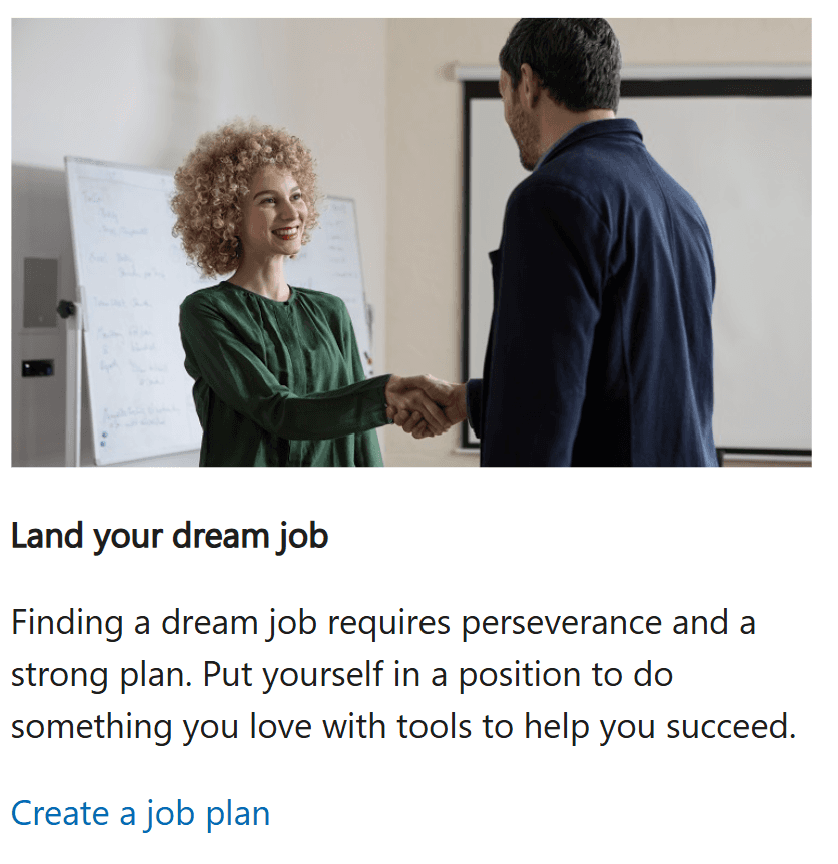
The published "Manage Your Life with Microsoft 365" support page provides clear navigation, organized content structure, and an approachable visual design that enhances discoverability.
Impact: Users can now manage personal and professional tasks more effectively through a single, unified resource. The project demonstrated how strategic use of existing platform tools improves efficiency and scalability—showcasing the power of combining content strategy, UX writing, and design thinking to deliver polished, user-focused experiences that actually reduce friction.